Every model, seat, and API key in one governed layer, with the duplicate accounts merged and the token spend capped.
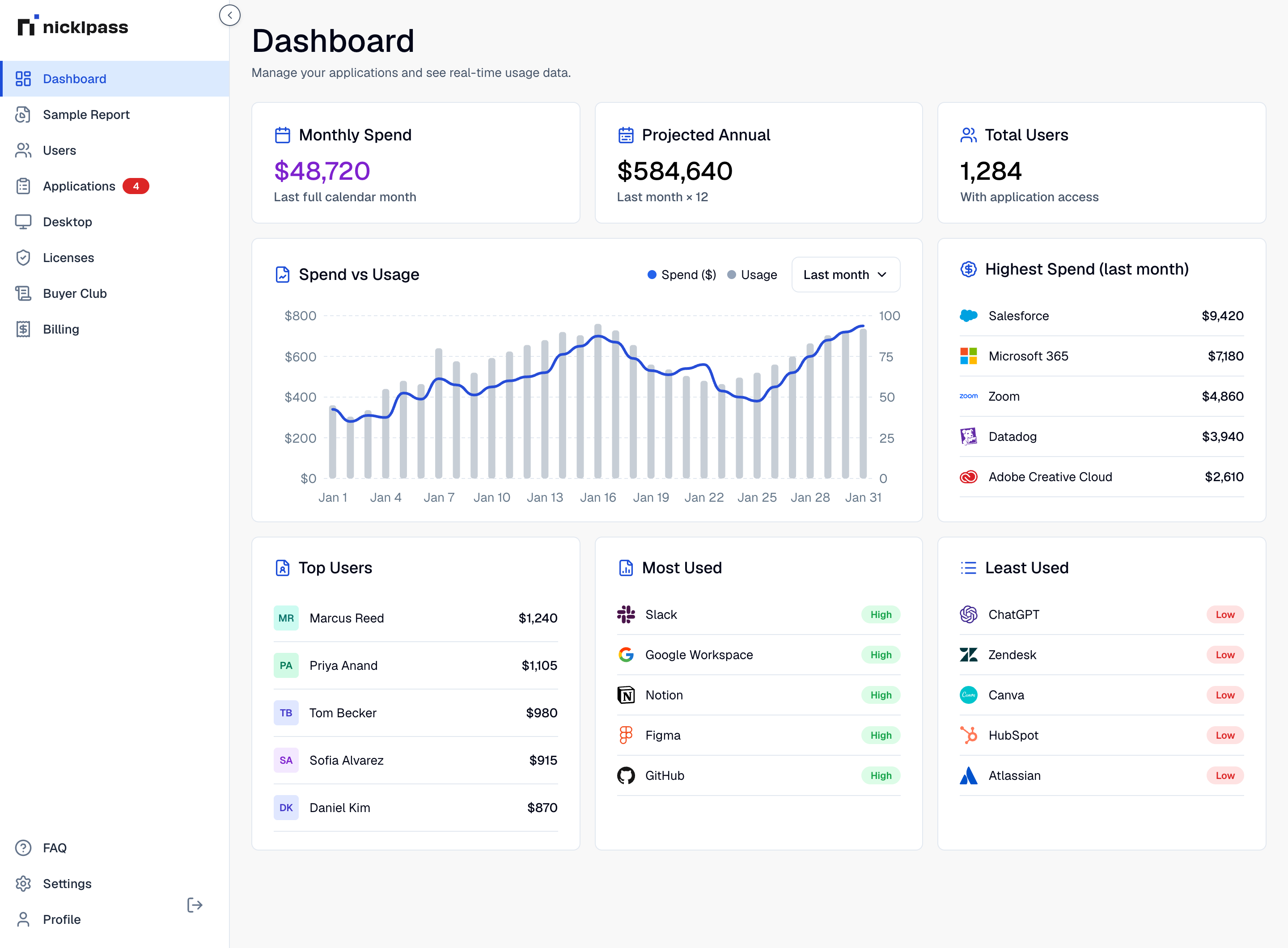
A dozen $20 subscriptions on personal cards. API keys issued for a prototype and never revoked. Three teams paying three vendors for the same capability. None of it went through procurement, and all of it is billing.
sources of AI cost: per-seat subscriptions and per-token usage
typical savings once duplicates and idle seats are removed
A subscription has a ceiling. Token spend does not, and it grows quietly.
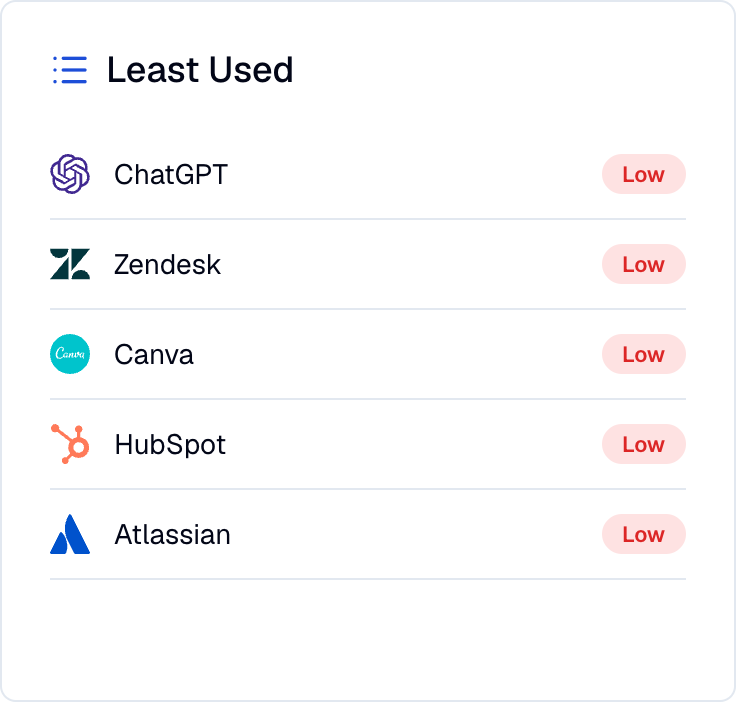
Nicklpass brings AI seats, providers, and token spend into the same governed layer as the rest of your stack.
Seat spend is what someone signed for. Token spend is what your systems decided to spend. Both belong under the same policy.
Fewer vendors, fewer accounts, one plan you can govern.

The part of the AI bill that has no natural ceiling.
AI inside the same policy perimeter as everything else.
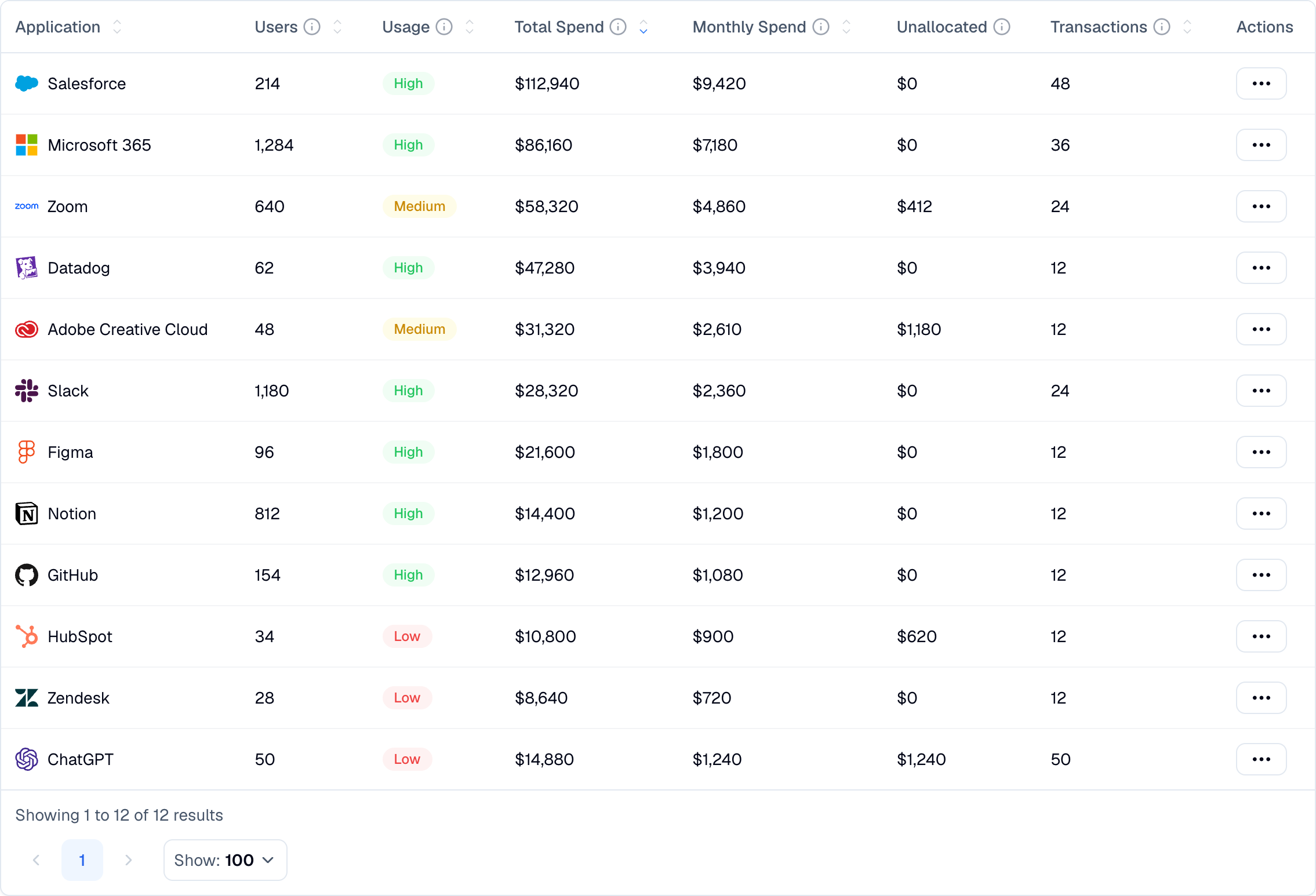
Nicklpass reports on AI spend and consumption. It does not sit in the request path between your applications and the model.
AI charges resolve to real vendors, including the personal-card subscriptions that come back through expense reimbursement.
Workspace sync and the browser extension surface which AI tools people have authorized and which they actually open, including free-tier accounts on work email.
Bring in model, API, and token consumption so per-seat and per-token spend sit in the same view, attributed to teams.
Nicklpass agents flag the AI tool bought on a personal card, the workspace seat unused since the pilot, and the integration whose token spend doubled last week. Every action is logged with the dollars it returned.
Consolidation on evidence, and a consumption bill you saw coming.
The tools people adopted on their own are usually the ones they find useful, and cancelling them outright tends to push usage further out of sight. The point of consolidation is to move that usage into an account you can govern, price, and secure, rather than to take it away.
No. Nicklpass measures consumption and cost: which tools are used, by whom, how often, and how many tokens against which model. Prompt and response content is never collected.
Hard limits are enforced at the provider. Nicklpass monitors consumption by user, team, model, and provider, alerts on unexpected spikes, and tells you where the cap needs to be set and why.
No. Nicklpass reports on consumption rather than proxying requests. Nothing is routed through us and nothing is rate limited by us.
Those are the hardest to see and often the easiest to consolidate. The workspace connection and the extension surface them, and rolling them into a governed workspace usually costs less than the risk of leaving them where they are.
Same connection, different question. AI Usage Management is about adoption and consumption data: who uses what, and how much. This service is about acting on it: merging accounts, capping spend, and enforcing policy.
Talk to sales about provider connections, enterprise workspace migrations, and policy enforcement across business units.
average savings on subscription spend
Merging duplicate AI accounts and capping one runaway integration usually covers the year. Governance is what keeps it from happening again.
